Watch for Tesla
Control your Tesla from your watch, over Bluetooth and without an account
What it is about
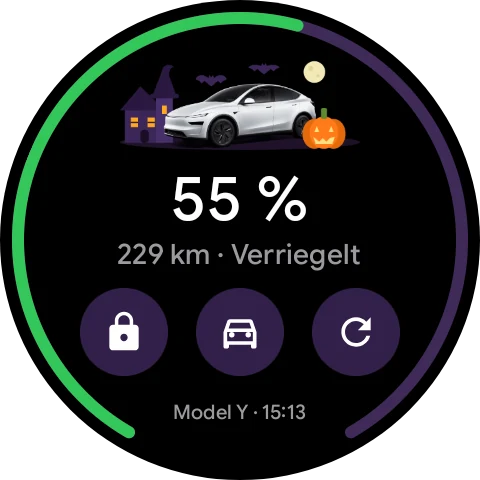
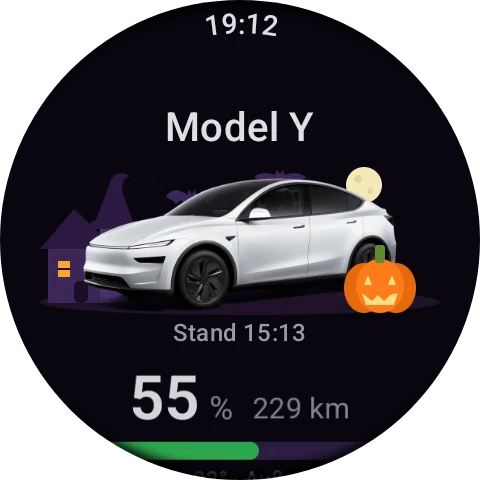
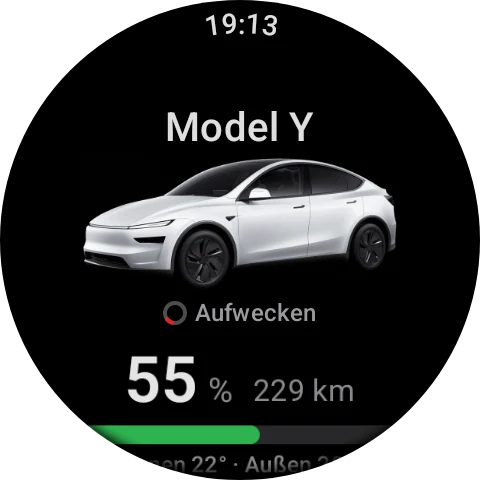
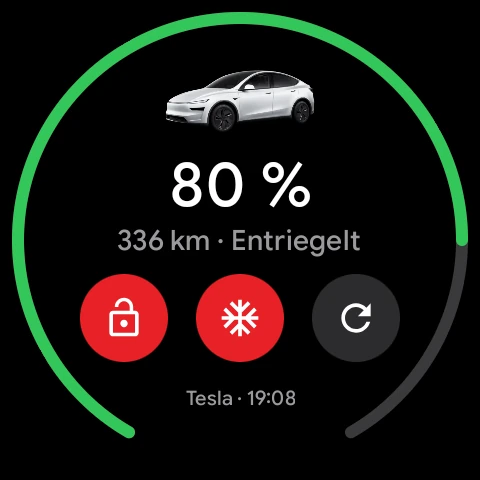
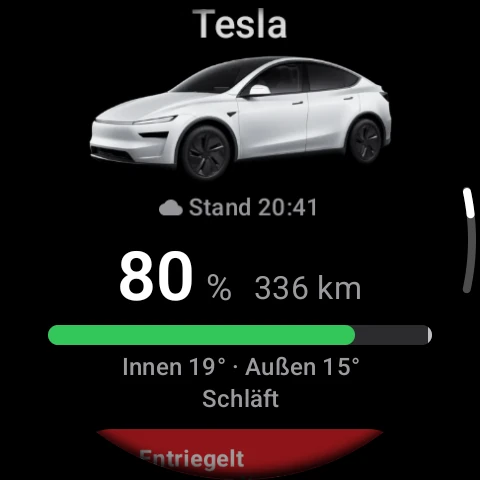
Watch for Tesla controls a Tesla straight from a Wear OS watch, with no phone in your pocket: lock and unlock, climate, charging, frunk and trunk, plus flash lights, vent windows and sentry mode. A tile on the watch face shows charge level, range and quick buttons.
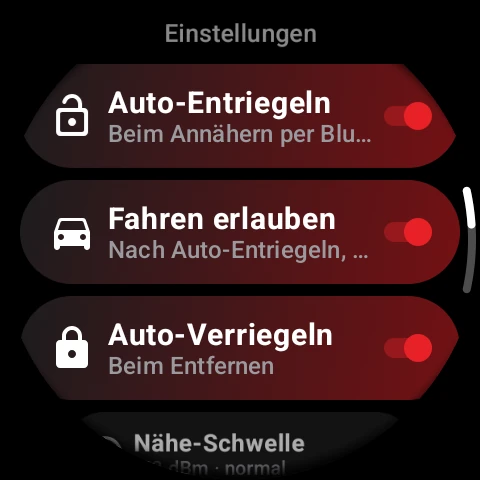
The app talks to the vehicle directly over Bluetooth, using Tesla's Vehicle Command Protocol. That needs no account, no server and no subscription, and it works while the car is asleep. The watch is added once as a key, like another phone, unlocks the car as you approach if you like, and locks it again when you walk away.
Optionally there is a route through the Tesla Fleet API, for example to precondition the car from afar. That needs your own Tesla developer account. The app picks the route itself: if the car is in Bluetooth range everything goes through that, otherwise through the cloud.
Highlights
- Bluetooth straight to the vehicle: no account, no server, no running costs
- Auto-unlock on approach, optionally locking again when walking away
- A watch face tile with charge level, range and quick buttons
- Optional control over the internet through the Tesla Fleet API
How to join the closed beta
The app is in a closed beta on Google Play. Joining takes three steps, best done with the Google account you use in the Play Store.
-
Open the group
Join the group
Join the testers' Google group.
-
Open the testing page
Sign up as a tester
Confirm your participation on the Google Play testing page.
-
Open the Play Store
Install the app
Open Watch for Tesla in the Play Store and install it.
Screenshots